
Choosing the right React chart library can be challenging. Some libraries are built for simple charts, while others focus on advanced dashboards, large datasets, real-time updates, or enterprise-level customization.
For React developers, the right charting library can make it much easier to turn complex data into clear, interactive charts. Instead of building charts from scratch, you can use ready-made components to create bar charts, line charts, pie charts, dashboards, and other visual reports faster.
However, with so many React chart libraries available, comparing them can take time. This guide reviews some of the best React chart libraries, their key features, strengths, and ideal use cases to help you choose the right option for your project.
Table of Contents
What is a React Chart Library?
A React Chart Library is a collection of tools, components, and functions designed to create charts/graphs within React applications. React, a popular UI library offers a react chart library for crafting interactive and visually appealing charts in web applications.
These libraries provide pre-built components and functionalities for creating charts like lines, bars, pies, scatter plots, etc. They typically offer features like interactivity, customization options, performance optimization, and accessibility enhancements.
React Chart Libraries streamline the process of building data visualizations in React applications, allowing developers to focus on creating compelling user experiences.
Most popular React Chart Libraries in 2026
React’s diverse ecosystem extends to data visualization with its robust chart libraries. These libraries empower developers to effortlessly integrate interactive and visually stunning charts into their web applications, enhancing user experience and data comprehension. Here are a few best react chart library options that you can choose from:
1. FusionCharts
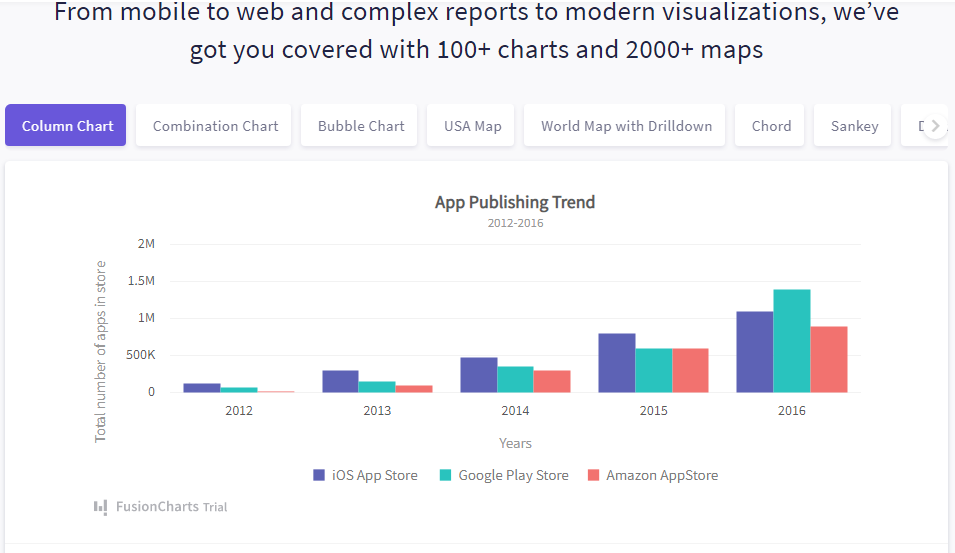
FusionCharts is a feature-rich React charting library for building interactive charts, dashboards, and data visualizations in React applications. It provides ready-to-use React components, making it easier to create responsive charts without building visualizations from scratch.
The library includes 100+ chart types and 2,000+ data-driven maps, covering common use cases such as sales dashboards, financial reports, product analytics, operational monitoring, and geographic data visualization.
Key FusionCharts features include:
- Support for interactive features such as zooming, panning, animations, drill-downs, and real-time updates.
- Time-series charts for visualizing trends across dates and time intervals.
- Chart and dashboard exporting for sharing reports with teams or stakeholders.
- Integration with JavaScript grids for building chart-grid interactions.
- Responsive design support for dashboards across different screen sizes.
- Detailed documentation and examples to help developers get started faster.
FusionCharts is a strong option for teams that need a React chart library with broad chart coverage, interactive data exploration, map visualizations, and enterprise-ready dashboard features.
2. Recharts
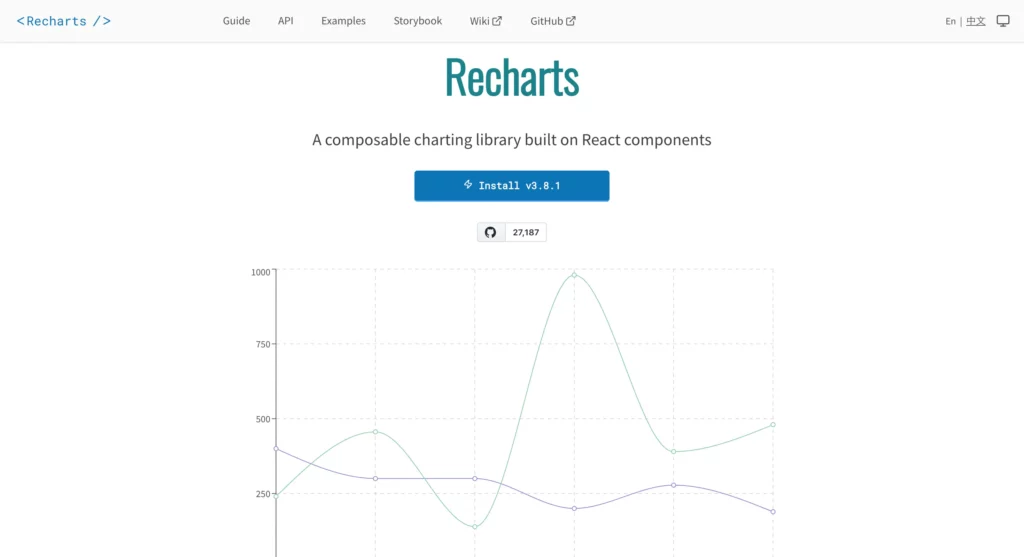
Recharts is a popular open-source React chart library built with reusable React components. It is designed for developers who want to create responsive charts using a simple, declarative API that integrates naturally with React applications.
Built on top of SVG elements, Recharts makes it easy to create common chart types such as line charts, bar charts, pie charts, area charts, scatter plots, and composed charts. It also supports chart customization through React components, allowing developers to tailor visualizations to their application’s design.
Key Recharts features include:
- A component-based API that follows React’s development patterns.
- Responsive charts that automatically adapt to different screen sizes.
- Support for animations, tooltips, legends, and customizable axes.
- Composed charts that combine multiple chart types in a single visualization.
- TypeScript support and an active open-source community.
Recharts is well-suited for internal dashboards, analytics applications, and business reporting tools where developers need a lightweight, easy-to-use charting library that integrates seamlessly with React.
3. Apache ECharts
Apache ECharts is a powerful open-source charting library for building interactive data visualizations in React applications. While it is framework-agnostic, it can be integrated with React using wrappers such as echarts-for-react, giving developers access to a wide range of chart types and advanced visualization capabilities.
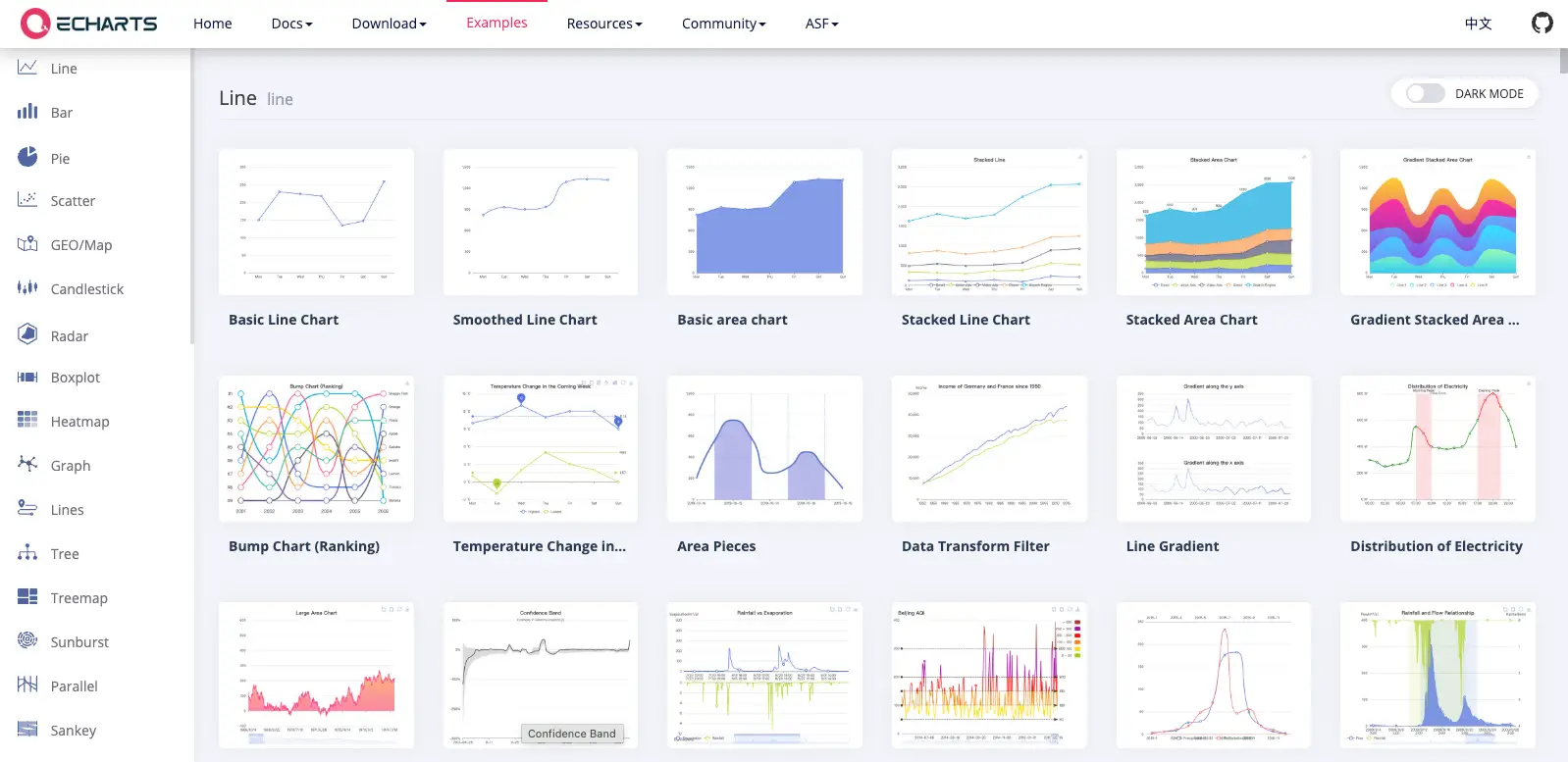
The library supports everything from standard bar, line, and pie charts to more specialized visualizations such as heatmaps, treemaps, sankey diagrams, graph networks, and geographic maps. It also uses Canvas rendering by default, making it well suited for visualizing large datasets with good performance.
Key Apache ECharts features include:
- A broad collection of standard and advanced chart types.
- High-performance rendering for large datasets using Canvas.
- Interactive features such as zooming, panning, tooltips, and drill-down capabilities.
- Built-in support for themes, animations, and responsive layouts.
- Data transformation and dataset management features for complex visualizations.
- Extensive customization options through a flexible configuration system.
Apache ECharts is a good choice for developers building data-intensive dashboards, analytics platforms, and enterprise applications that require advanced visualizations and extensive customization.
4. Ant Design React Chart Library
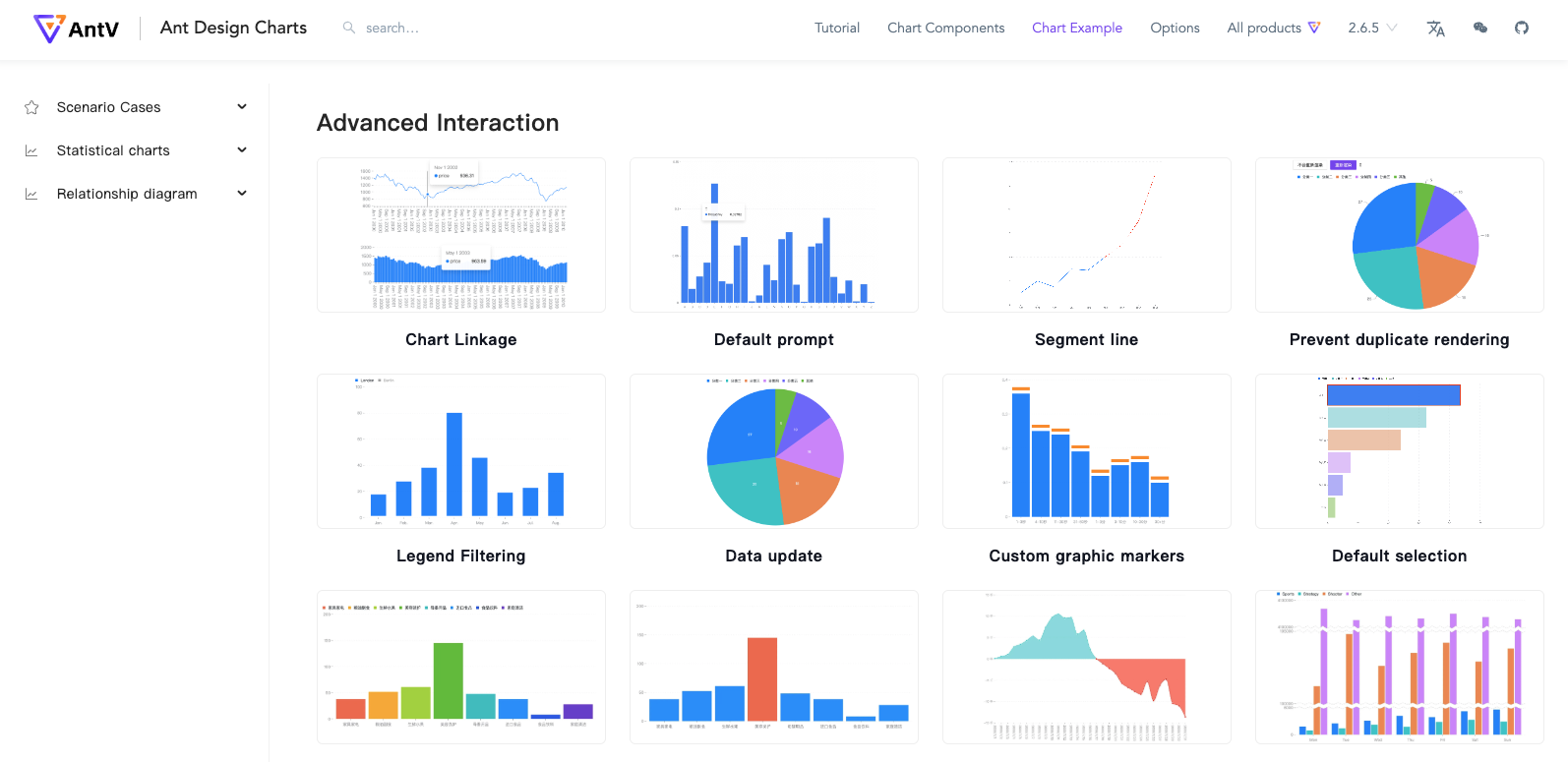
The next charting library on our list is Ant Design Charts. This library is more accessible to students of React charting stackSame team building. This library is designed to deliver high-quality development and user experience. Some of its features include:
- Customizability
- Ready to use default chart options
- Responsive charts
- Ease of implementation
Check out the steps for mastering a React graph.
5. Nivo React Chart Library
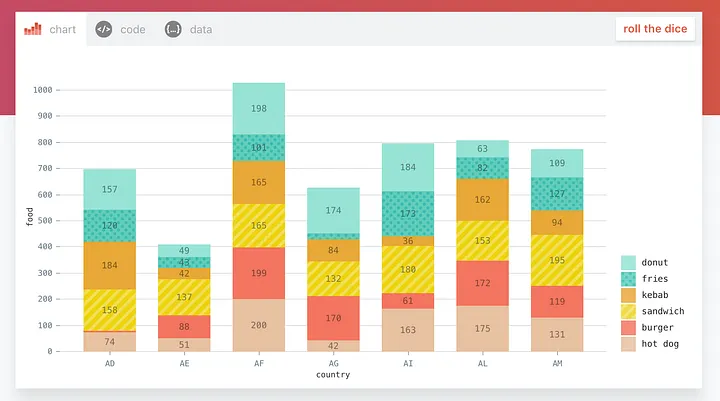
Nivo is an open-source React chart library built on top of D3. It provides a rich collection of responsive chart components for building dashboards, reports, and custom data visualizations in React applications.
One of Nivo’s strengths is its flexible rendering support. Depending on the chart type, developers can use SVG, Canvas, or HTML-based rendering, making it useful for both highly customizable visuals and performance-focused use cases. Nivo also supports server-side rendering, which can be helpful for applications that need charts to render before reaching the browser.
Key Nivo features include:
- A large collection of ready-to-use React chart components.
- SVG, Canvas, and HTML rendering options.
- Responsive chart layouts for dashboards and web applications.
- Built-in animations, themes, legends, and tooltips.
- Server-side rendering support for selected chart types.
- Strong customization options for colors, labels, axes, and interactions.
Nivo is a good choice for React developers who want visually polished charts, flexible rendering options, and D3-powered customization without building every chart from scratch.
6. React Chart.js 2
React Chart.js 2 is a React wrapper for Chart.js, one of the most widely used open-source JavaScript charting libraries. It allows React developers to use Chart.js components inside React applications while keeping the chart setup relatively simple.
Because Chart.js uses HTML5 Canvas, React Chart.js 2 is a good option for creating lightweight and responsive charts such as line charts, bar charts, pie charts, doughnut charts, radar charts, and scatter plots.
Key React Chart.js 2 features include:
- React components for using Chart.js in React applications.
- Support for common chart types such as bar, line, pie, doughnut, radar, and scatter charts.
- Canvas-based rendering for lightweight visualizations.
- Built-in animations, legends, tooltips, and responsive behavior.
- Customization through Chart.js options and plugins.
- Good fit for simple dashboards, reports, and embedded charts.
React Chart.js 2 is best suited for developers who already like Chart.js and want to use it inside React projects. However, since it is a wrapper, advanced customization may require working directly with the underlying Chart.js configuration.
7. Visx
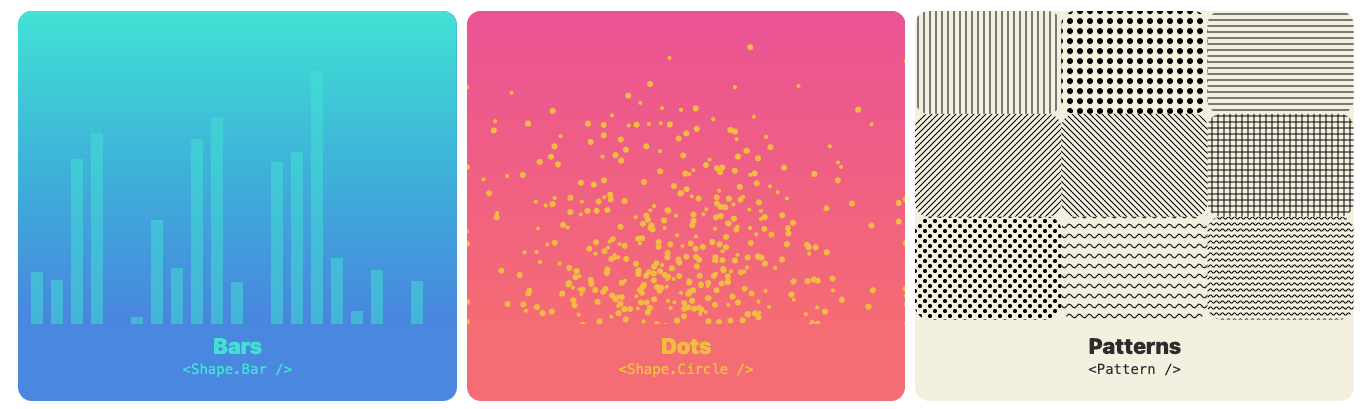
Visx is an open-source React visualization library from Airbnb. It combines the power of D3 for calculations with React components for rendering, giving developers more control over how charts are built and styled.
Unlike higher-level chart libraries that provide ready-made charts, Visx offers low-level visualization primitives. This makes it a strong option for teams that need custom chart designs, reusable visualization components, and full control over the chart structure.
Key Visx features include:
- Low-level React components for building custom data visualizations.
- D3-powered calculations for scales, shapes, layouts, and interactions.
- Modular packages, so developers can use only the parts they need.
- Support for reusable chart components in React applications.
- Strong flexibility for creating custom dashboards and non-standard visualizations.
Visx is best suited for developers who want more design and engineering control than a standard chart library provides. However, it may require more development effort than plug-and-play libraries such as Recharts or React Chart.js 2.
8. React ApexCharts
React ApexCharts is the official React wrapper for ApexCharts, a modern JavaScript charting library known for its clean design and interactive charts. It provides reusable React components that make it easy to build responsive dashboards and data-driven applications.
The library supports a wide variety of chart types, including line, bar, area, pie, donut, radar, heatmap, candlestick, and radial bar charts. It also includes built-in interactivity, making it easy to create charts that respond to user actions without extensive configuration.
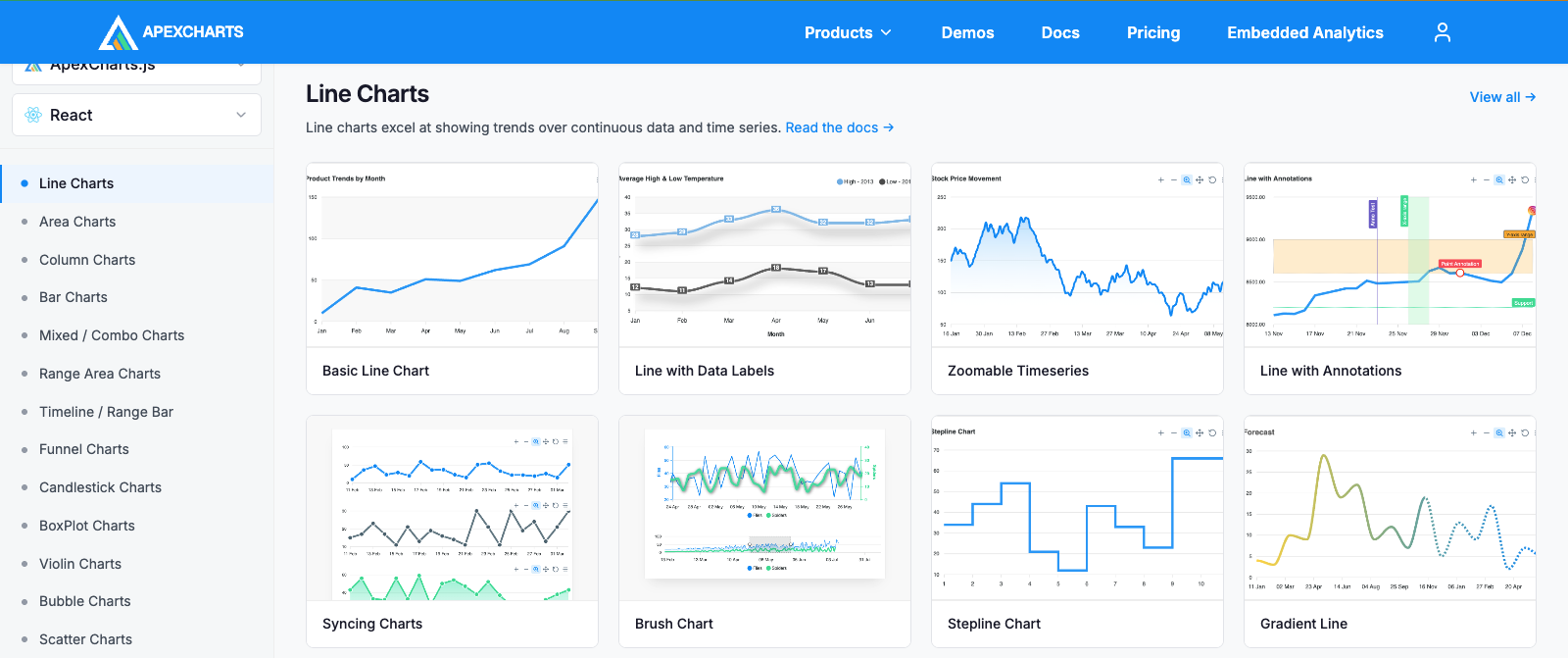
Key React ApexCharts features include:
- Official React wrapper for the ApexCharts JavaScript library.
- Support for 20+ chart types, including financial and statistical charts.
- Interactive features such as zooming, panning, tooltips, annotations, and real-time updates.
- Responsive layouts that adapt to different screen sizes.
- Extensive customization options for colors, labels, axes, and animations.
- TypeScript support and comprehensive documentation.
React ApexCharts is a good choice for developers building business dashboards, analytics platforms, and reporting applications that require attractive, interactive charts with minimal setup. While it offers many customization options, some advanced features are available only through ApexCharts’ commercial licensing.
9. Victory
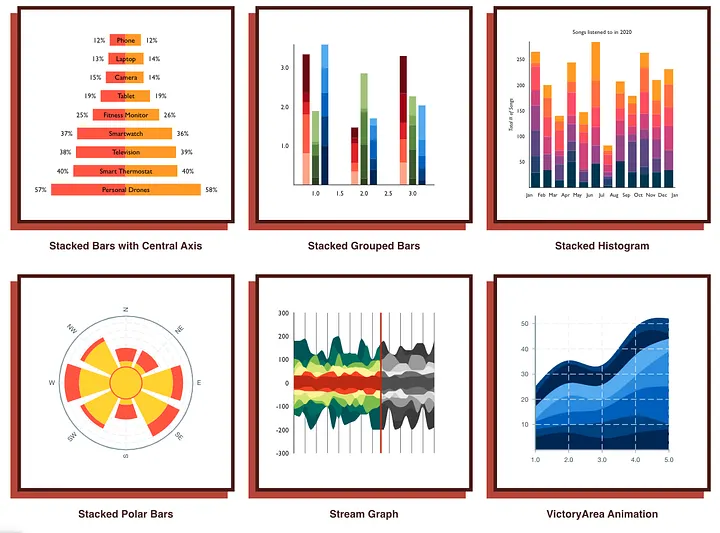
Victory is an open-source React charting library that supports both React and React Native. This makes it useful for teams that want to build charts across web and mobile applications using a consistent API.
Victory provides a collection of modular chart components for building common visualizations such as line charts, bar charts, pie charts, scatter plots, area charts, and candlestick charts. Developers can compose these components together and customize chart styles, labels, axes, themes, and interactions.
Key Victory features include:
- Support for both React and React Native applications.
- A consistent API for web and mobile chart development.
- Modular chart components for building reusable visualizations.
- Support for common chart types, including line, bar, pie, area, scatter, and candlestick charts.
- Customizable themes, labels, axes, and animations.
- Good fit for cross-platform applications that need shared charting logic.
Victory is a strong option for developers who need React and React Native charting support in one library. However, teams that need advanced dashboard features, large chart collections, or enterprise reporting capabilities may need to compare it with more feature-rich charting libraries.
10. AG Charts React
AG Charts React is the official React integration for AG Charts, a JavaScript charting library designed for building interactive charts and dashboards. It works well as a standalone charting solution and integrates seamlessly with AG Grid, making it a popular choice for data-intensive business applications.
The library supports a wide range of chart types, including bar, line, area, pie, scatter, bubble, histogram, radar, waterfall, and financial charts. It also provides interactive features that help users explore data more effectively.
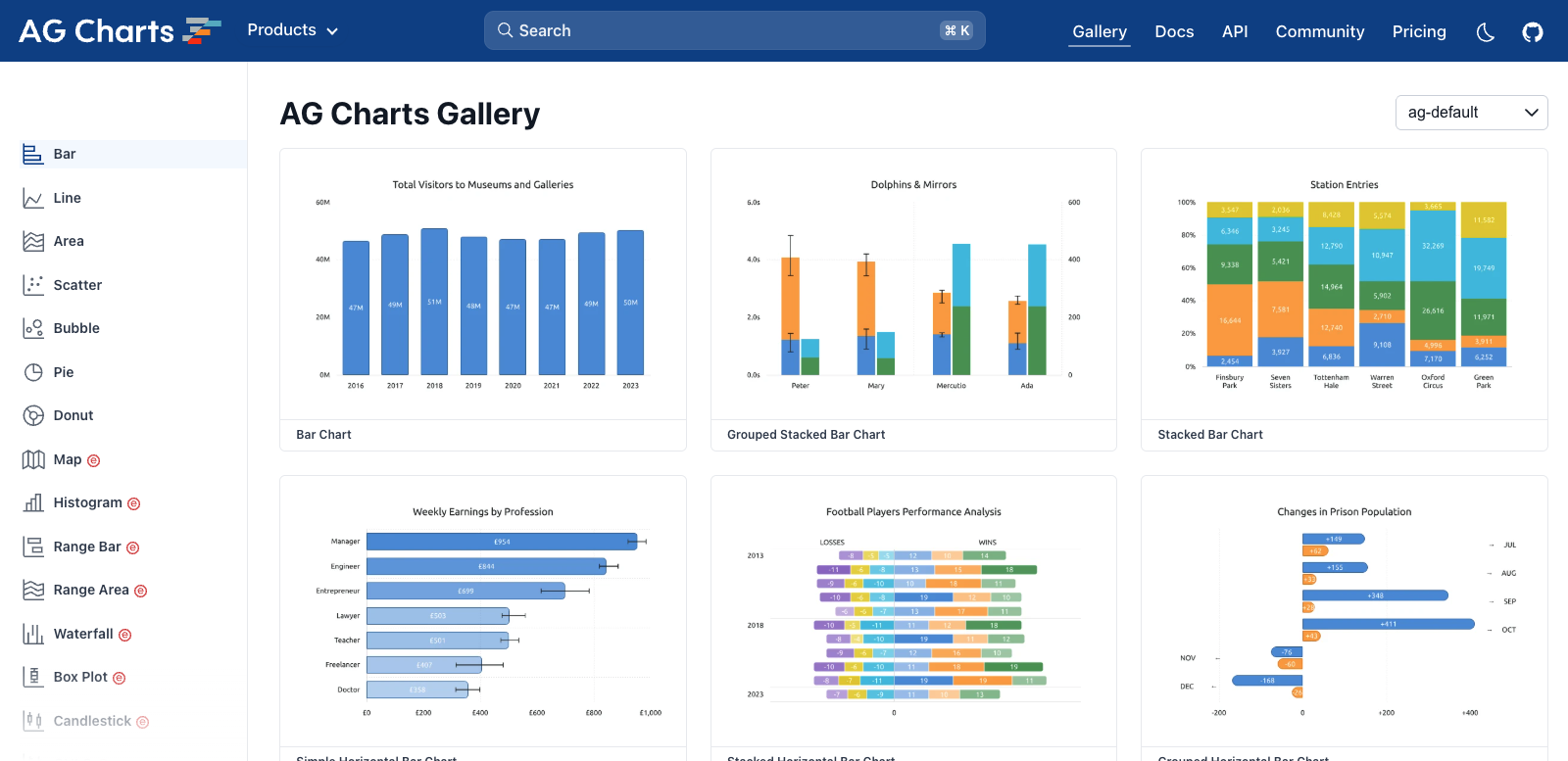
Key AG Charts React features include:
- Official React components for integrating AG Charts into React applications.
- A broad collection of chart types for business reporting and analytics.
- Interactive features such as zooming, tooltips, crosshairs, and annotations.
- Responsive charts with customizable themes, labels, legends, and axes.
- Tight integration with AG Grid for creating linked tables and charts.
- TypeScript support and comprehensive documentation.
AG Charts React is a good choice for developers building enterprise dashboards, reporting tools, and data-driven applications. Teams already using AG Grid can especially benefit from its seamless grid-to-chart integration, while standalone projects can take advantage of its extensive charting capabilities and customization options.
Tips for Choosing the Right React Chart Library
When selecting the ideal React graphing library, make sure to use these tips:
- Nature of your project: Consider the specific requirements and goals of your project. Different chart libraries excel in different types of visualizations, so choose one that aligns with your project’s needs, whether it’s simple line charts or complex interactive dashboards.
- Design consistency: Look for a chart library with consistent styling options and a cohesive design language. This ensures that your charts blend seamlessly with your application’s overall look and feel, enhancing the user experience.
- Performance and scalability: Evaluate the performance and scalability of the React charting library, especially if you anticipate working with large datasets or require real-time updates. Choose a library that is optimized for rendering speed and can handle the volume of data your project requires.
- Integration and compatibility: Ensure the chart library integrates smoothly with your existing React ecosystem, including state management libraries, UI frameworks, and data sources. Compatibility with popular tools and frameworks will streamline development and maintenance.
- Learning curve and documentation: Consider the learning curve associated with the chart library and the availability of comprehensive documentation and resources. Opt for a library that offers clear documentation, tutorials, and community support to expedite the learning process and troubleshoot any issues that arise.
Conclusion
React chart libraries empower developers to create stunning and interactive data visualizations within their applications. This unlocks clear understanding and faster decisions through engaging visuals, ultimately enhancing user experiences.
While the market offers many options, each library boasts unique strengths and caters to different project needs and preferences. Factors like ease of use, customization capabilities, performance, specific chart types, and integration with existing tools should guide your selection.
Here are the key takeaways to remember:
- React chart libraries simplify the process of building data visualizations within React applications.
- A diverse range of libraries exists, each offering unique features and functionalities.
By leveraging the power of the React chart library, you can effectively communicate insights hidden within your data, leading to informed choices and improved user experiences in your React applications.
Ready to Elevate Your Data Visualization Game With FusionCharts
Download your free trial of FusionCharts to experience seamless integration and dynamic charting capabilities. Dive into our comprehensive guide to discover the perfect React graph library for your project needs.
FAQs About React Chart Libraries
1. What makes a good React chart library for me to use in my project?
To help you choose the appropriate React graph library, consider your project needs, features available, ease of use, quality of instructions and tutorials, and community support.
2. Can other UI frameworks be used with React Chard libraries?
Yes, most React chart libraries are compatible with other UI frameworks, meaning they can be easily integrated into different web projects.
3. Does real-time data updating work well in React Chart libraries?
React chart libraries differ in how efficiently they handle real-time data updates. Some are made with functionalities for handling live data properly, whereas others may require additional effort to manage it effectively.
4. What is the best charting library for React?
The popular options of the best charting library for React include FusionCharts, BizCharts, Recharts, and more.
5. Is React a framework or a library?
React is a JavaScript library for building user interfaces, not a framework.