
Table of Contents
Key takeaways
- AI is revolutionizing data visualization by automating insights and simplifying complex analysis.
- Ask FusionDev AI accelerates chart development within FusionCharts through smart, AI-powered assistance.
AI in data visualization – a new era of insights
While traditional data visualization has been a powerful tool, it often requires significant manual effort and expertise. This limited the ability to uncover hidden insights and tell compelling data stories. However, the integration of AI visual tools is ushering in a new era of data visualization, empowering users at all levels to unlock the true potential of their data.How AI is revolutionizing the data visualisation game?
- Intelligent Automation: Forget tedious tasks like chart selection and data cleaning. AI can analyze your data and automatically recommend the most appropriate visualizations, saving you time and effort.
- Smart Data Discovery: AI acts as a virtual detective, uncovering hidden patterns, trends, and relationships within your data that might go unnoticed by human eyes. This empowers you to delve deeper and explore new possibilities.
- Real-time insights: AI can create interactive visualizations that update dynamically, reflecting changes in your data in real time.
- Enhanced data preparation: Cleans and enriches data for accurate, reliable visuals. (suggest)
What makes a truly great AI data visualization tool?
Beyond the core AI functionalities, here are some key features to consider:- User-friendliness: Intuitive interfaces that work for non-technical users.
- Data Connectivity: Integrates seamlessly with your data sources while ensuring data security.
- Customization Power: Lets you tailor charts, layouts, and branding. .
- Collaboration: Supports sharing and teamwork for effective data storytelling.
Top 10 AI data visualization tools for 2026
A new era of innovation in data presentation and interpretation has been caused by the increasing demand for quicker, smarter insights. Users can automate difficult tasks, produce real-time insights, and find patterns with little effort when they use AI for data visualization.1. Ask FusionDev AI – your AI-powered co-pilot for streamlined data visualization
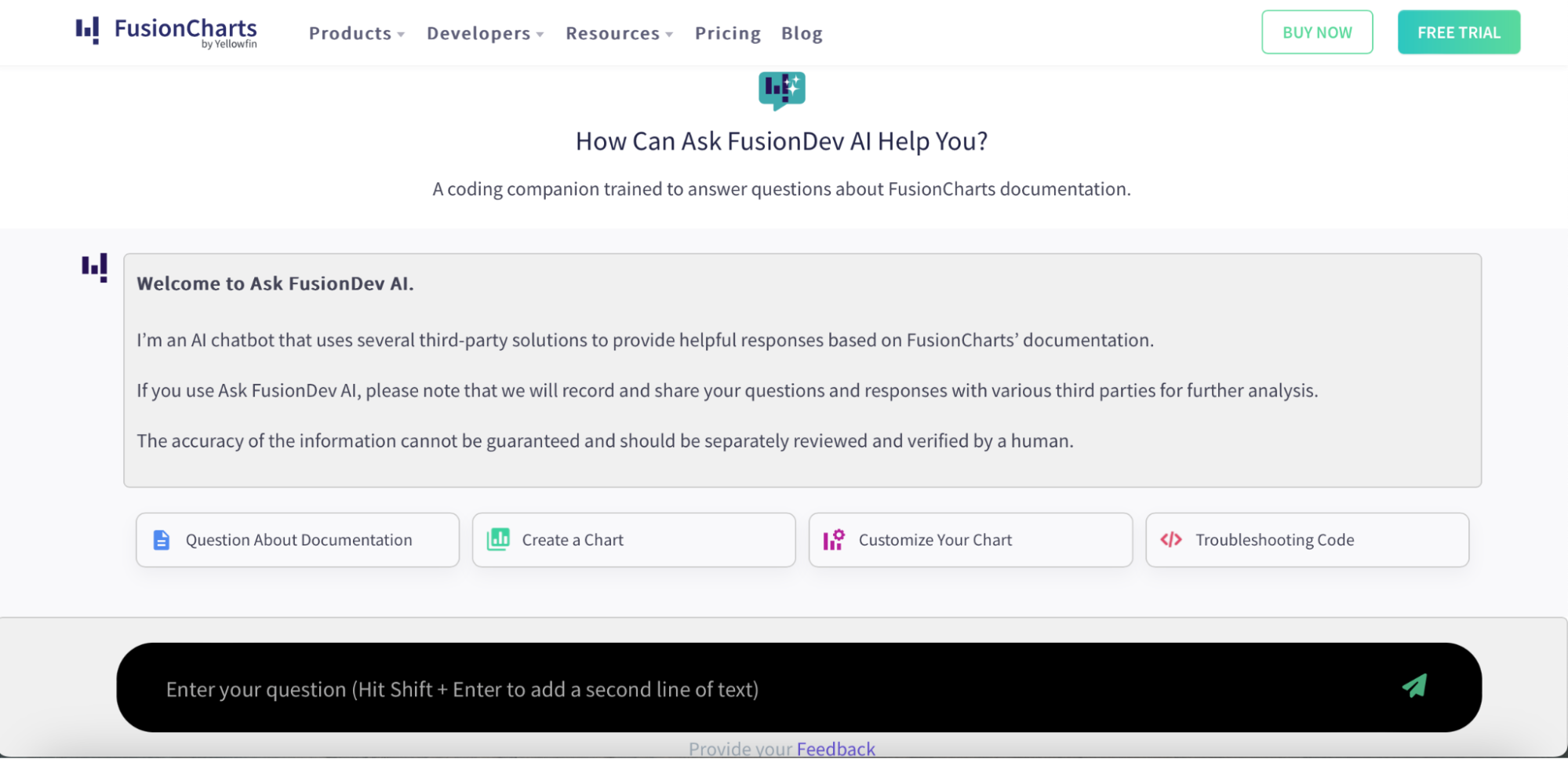 As a leading provider of data visualization solutions, FusionCharts is proud to introduce Ask FusionDev AI, a revolutionary integration that empowers you to unlock the full potential of your data. If you’ve ever thought about which AI tool is best for analyzing and visualizing data, Ask FusionDev AI goes beyond traditional data visualization tools by acting as your personal AI assistant, streamlining your workflow, and accelerating development cycles.
Key functionalities
- AI-powered documentation retrieval and code suggestions
- Automated chart generation based on user inputs
- Context-aware help for troubleshooting and visualization best practices
- Seamless integration into the FusionCharts 4.0 environment
Target audience
- Developers, product managers, and analysts using FusionCharts
- Teams looking to reduce development time and streamline data storytelling
- New users seeking guided help for creating compelling visuals
Pros
- Eliminates manual documentation searches with instant AI-powered search responses
- Speeds up chart development with smart code snippets
- Offers consistent support 24/7 through natural language queries
Cons
- Currently limited to the FusionCharts ecosystem
- May require onboarding for non-technical users unfamiliar with AI assistants
Unique features
- AI trained on up-to-date, expert-curated knowledge base
- An interactive and intelligent assistant available directly inside FusionCharts
- Auto-generation of code snippets and visual charts for developers
- Hands-on, conversational support to guide you through chart customization and integration
2. Yellowfin BI: the comprehensive BI solution with AI-driven insight
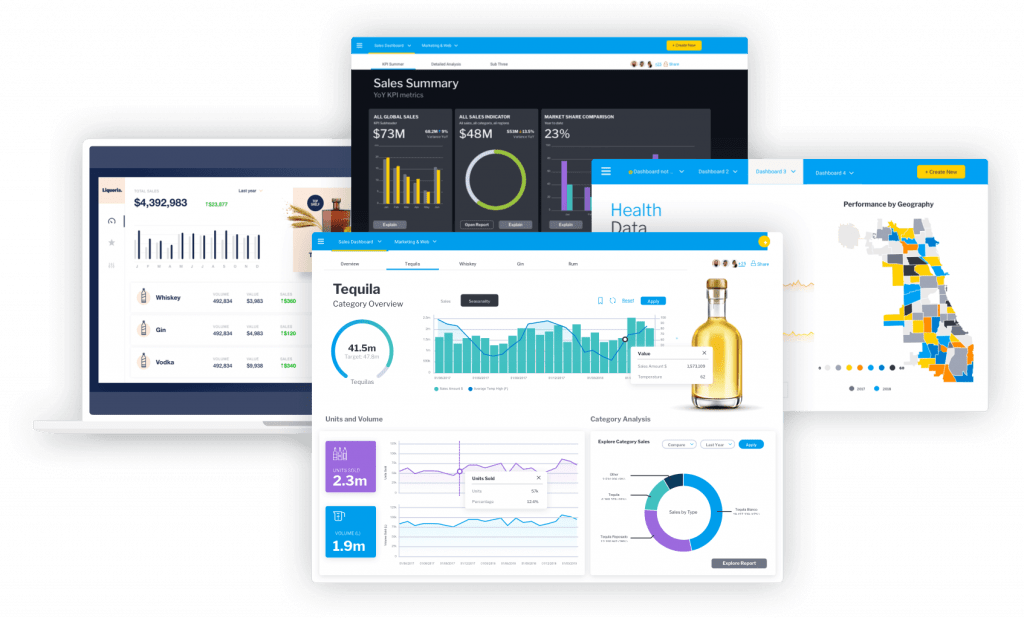 Yellowfin BI stands out as a powerful end-to-end business intelligence platform designed to turn complex data into actionable insights. It blends automation, AI, and collaboration tools to help businesses make faster, smarter decisions.
Key functionalities
- Automated business monitoring (ABM) for continuous data analysis and alerting
- Machine learning (ML) to enhance predictive analytics and automate insights
- Natural language query (NLQ) for intuitive data interaction using everyday language
Target audience
- Business analysts, data scientists, and non-technical users/li>
- Enterprises looking for a comprehensive BI solution with advanced AI capabilities
Pros
- A comprehensive suite of AI-driven features for deep data insights
- User-friendly interface with guided NLQ for easy data querying
- Real-time monitoring and alerting for proactive decision-making
Cons
- May require a learning curve for users new to advanced AI functionalities/li>
- Higher cost for full feature access compared to some competitors
Unique features
- Yellowfin Signals: Automated alerts for significant data changes and patterns
- Assisted Insights: Click-to-analyze feature providing immediate, actionable insights
- Guided NLQ: Proactively generates data filters and suggestions to simplify querying
3. Quadratic AI: the AI spreadsheet with Python-powered data visualization
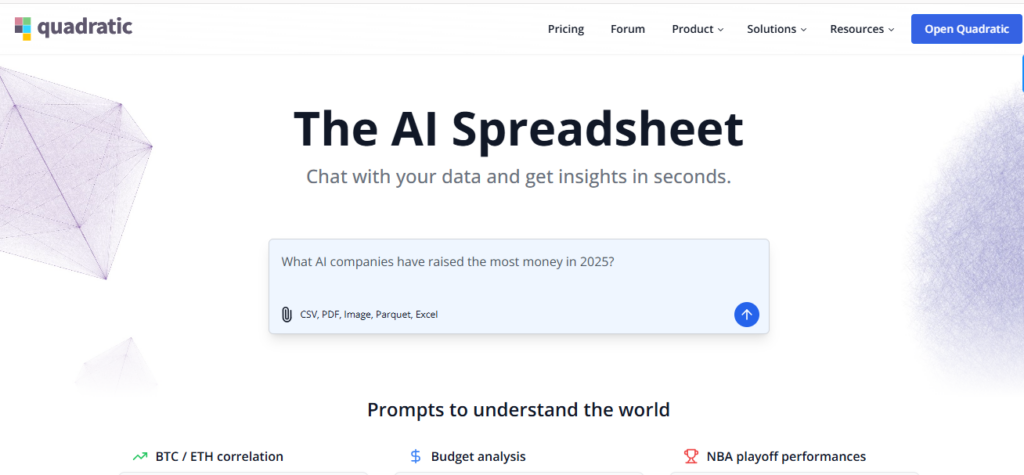 Quadratic AI bridges the gap between spreadsheets and coding notebooks, empowering teams to analyze and visualize data using Python, SQL, or JavaScript—all within a familiar interface.
Quadric AI spreadsheet homepage screenshot for Fusioncharts AI tool listicle
Key functionalities
- Native AI chat to generate charts, summary tables, and narratives automatically
- Code cells for Python, SQL, and JavaScript alongside traditional formulas
- Live dashboards that refresh as data or code changes
- Easy data imports from databases, APIs, CSVs, PDFs, and images with AI-powered parsing
- Real-time multiplayer editing with granular permissions
Target audience
- Data-driven teams that want self-serve analytics without heavyweight BI tools
- Marketers, product managers, and educators who feel at home in spreadsheets
- Developers who need code-level flexibility without juggling notebooks
Pros
- Familiar spreadsheet interface lowers the learning curve for non-technical users
- Combines AI, formulas, and full programming languages in a single workspace
- Free individual tier, plus SOC 2 & HIPAA-compliant options for enterprises
- Seamless collaboration—no version-control nightmares or “file-locking” alerts
Cons
- Browser-based environment can strain with billion-row datasets
- Advanced coding features may require ramp-up for spreadsheet-only users
Unique features
- AI Research agent that sources web data and surfaces citations in chat
- Prompt Library and ready-made templates for rapid insight generation
- Optional self-hosting for organizations with strict data-residency needs
- Automated AI formatting for presentation-ready dashboards
4. Infogram: the all-star for interactive storytelling
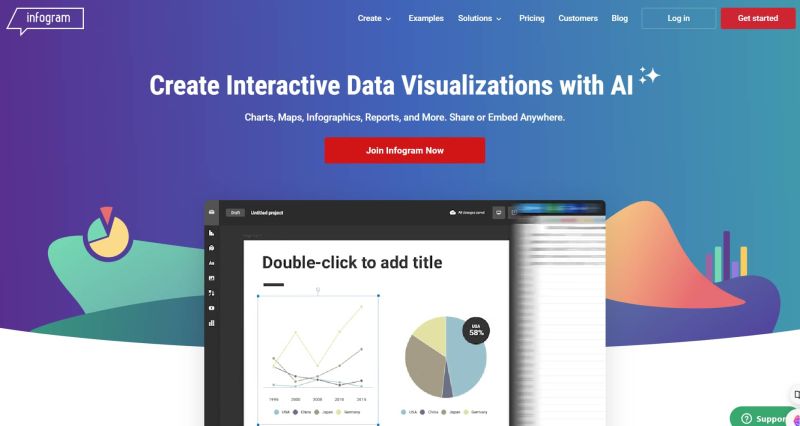 Infogram is the go-to tool for turning raw data into captivating visuals, making it perfect for marketing teams, journalists, and educators aiming to tell stories through data.
Key functionalities
- Drag-and-drop interface for easy chart creation
- Extensive library of interactive chart types
- Real-time data updates and dynamic dashboards
- Collaboration features for seamless teamwork
Target audience
- Marketers, designers, and business professionals
- Anyone who wants to create engaging and interactive data visualizations
Pros
- User-friendly interface with a minimal learning curve
- Wide variety of chart types and customization options
- Ideal for creating data stories that resonate with audiences
Cons
- Limited data source integrations compared to some competitors
- The free plan has restrictions on features and exports
Unique features
- AI-powered recommendations for chart types based on your data
- Automated data storytelling features to help you craft compelling narratives
5. ThoughtSpot: ask natural language questions, get AI-powered answers
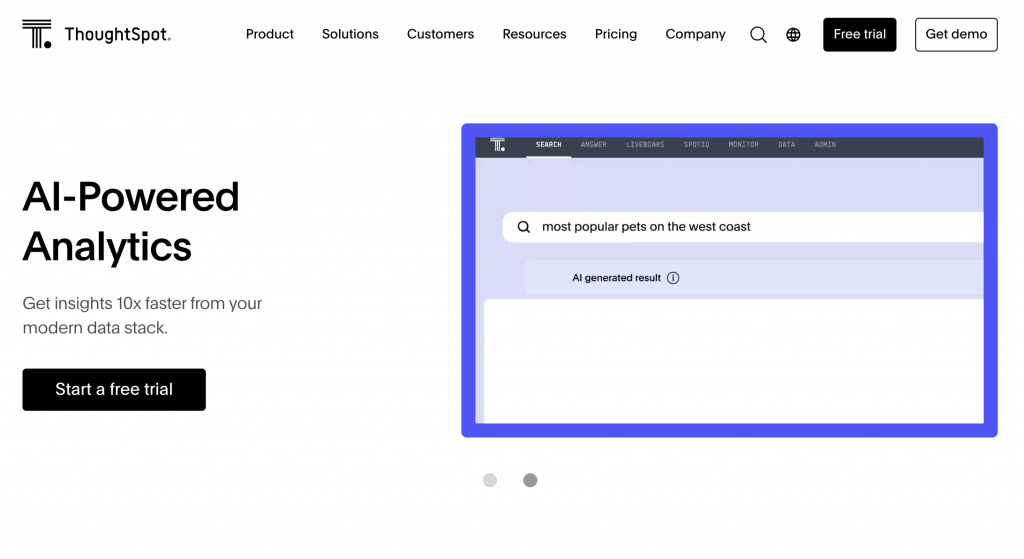 ThoughtSpot revolutionizes analytics by allowing users to explore data simply by asking questions in natural language, instantly turning those queries into powerful visual insights.
Key functionalities
- Explore data using natural language search queries
- Unveils hidden patterns and trends through AI analysis
- Creates data visualizations tailored to your specific questions
Target audience
- Business analysts, data scientists, and non-technical users
- Anyone who wants to gain insights from data without complex queries
Pros
- Natural language interface makes data exploration accessible
- AI uncovers insights you might miss with traditional methods
- Empowers data-driven decision-making for all user levels
Cons
- It can be expensive for large-scale deployments
- Requires some training to leverage advanced functionalities
Unique features
- AI-powered search that understands context and intent
- Automated data storytelling capabilities
6. Tableau: user-friendly champion with AI-powered insights
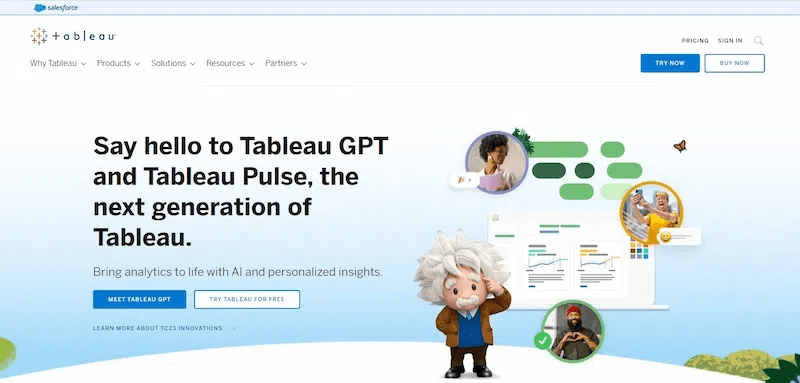 Tableau remains one of the most recognized BI tools, offering users intuitive data visualization and AI-powered analytics that enhance both data exploration and storytelling.
Key functionalities
- Cloud-based platform for creating interactive dashboards and reports
- Connects seamlessly with Google Cloud data sources
- AI-powered recommendations for charts and data exploration
Target audience
- Data analysts, business intelligence professionals, and data visualization specialists
Pros
- User-friendly interface with powerful features
- Extensive data source integrations for flexibility
- AI-driven insights augment human analysis capabilities
Cons
- Can be expensive for enterprise-level usage
- The steep learning curve for advanced functionalities
Unique features
- Tableau AI features for automated data analysis and visualization suggestions
- Integration with other analytics platforms like Salesforce and Google BigQuery
7. Domo: proactive insights with AI-driven actionable recommendations
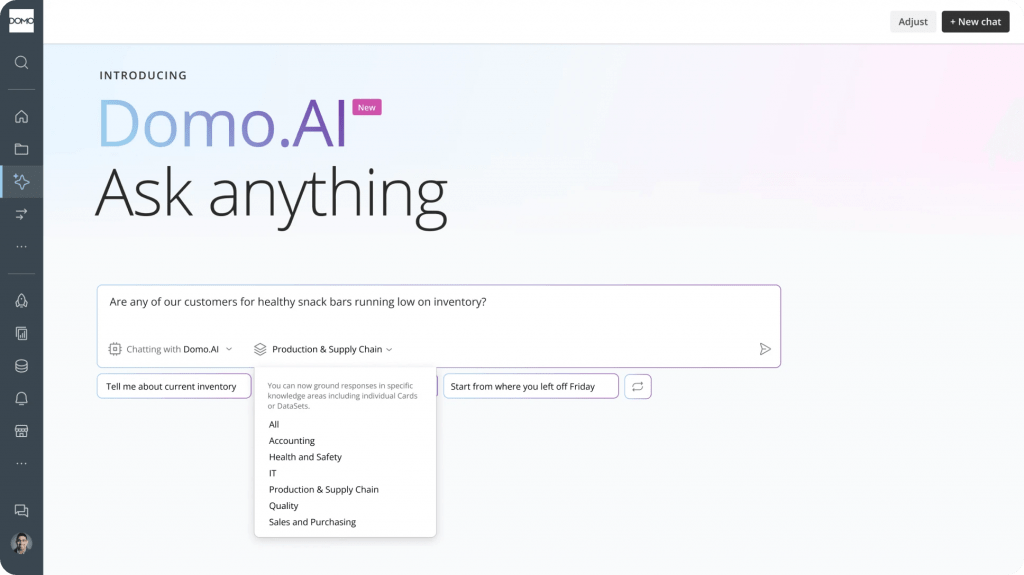 Domo combines business intelligence, AI, and collaboration into one platform, empowering teams to act on data insights proactively with real-time alerts and AI-driven recommendations.
Key functionalities
- All-in-one business intelligence platform for data visualization, analytics, and collaboration
- AI-powered recommendations for insights and actions
- Real-time data monitoring and alerts
Target audience
- Enterprises looking for a comprehensive BI platform
- Ideal for organizations that require data-driven decision-making across all departments
Pros
- Comprehensive BI platform with a wide range of features
- AI proactively identifies trends and suggests actions
- Real-time data monitoring ensures informed decision-making
Cons
- The most expensive option on this list
- The steep learning curve for the complex feature set
Unique features
- AI-driven recommendations go beyond just insights, suggesting actionable steps
- Real-time data monitoring and alerts for proactive decision-making
8. Polymer: AI dashboard builder for instant data insights
It is a powerful AI visual analysis platform and data visualisation tool that transforms raw spreadsheets into dynamic dashboards with zero coding required. With an emphasis on speed and automation, it helps users instantly identify patterns, trends, and actionable insights.Key functionalities
- One-click data import and automatic dashboard generation
- AI-powered insights discovery and trend detection
- Dynamic filtering and search across datasets
- Easy integration with Google Sheets, CSVs, and other data sources
Target audience
- Small teams and business users looking for fast data insights
- Non-technical professionals who work with spreadsheets
- Startups and SMBs need agile reporting and lightweight BI
Pros
- Intuitive, no-code interface for rapid dashboard creation
- Affordable pricing with a free plan available
- Great for quick exploratory analysis and decision support
Cons
- Limited customisation compared to enterprise-level tools
- May not scale for large, complex datasets or advanced analytics
Unique features
- AI-powered dashboards
- AI “Smart Insights” that explain data shifts in plain language
- Google Sheets add-on for seamless spreadsheet connectivity
9. Julius: the marketing intelligence tool with AI data visualization
Julius brings together AI-powered data visualization and marketing analytics, making it ideal for brands that want to turn campaign data into performance insights. It simplifies analysis with natural language search and intelligent dashboards.Key functionalities
- Natural language query for exploring marketing metrics
- Campaign performance dashboards are built automatically
- AI-generated insights for paid, owned, and earned media
Target audience
- Marketing teams and agencies focused on digital performance
- CMOs and brand managers looking for centralized analytics
- Professionals who want simplified, cross-channel reporting
Pros
- AI automates report creation, saving marketing teams hours
- Provides unified campaign insights from multiple platforms
Cons
- Primarily focused on marketing data — limited beyond that
- More expensive than general-purpose data tools
Unique features
- Julius GPT for automated insights and campaign recommendations
- Marketing-specific KPIs baked into visualizations
- Campaign annotation and storytelling tools for client reporting
10. Explo: embed interactive dashboards with developer flexibility
It empowers developers to embed interactive dashboards into web apps or SaaS platforms. It combines the ease of drag-and-drop dashboarding with SQL-powered flexibility, making it a go-to tool for product teams.Key functionalities
- SQL-powered interface for customized queries and charting
- No-code drag-and-drop dashboard builder for rapid iteration
- Secure embedding and permissions-based access control
Target audience
- SaaS companies and product teams embedding analytics into apps
- Developers needing control and customization
- B2B platforms requiring white-labeled dashboards
Pros
- Developer-first approach without sacrificing usability
- Secure, granular data access controls for embedded analytics
Cons
- May require SQL knowledge for more advanced use
- Limited built-in AI functionalities compared to others on this list
Unique features
- Whitelabeling for seamless product integration
- Supports both internal dashboards and customer-facing analytics
- Rapid setup and deployment without full-scale BI tools