Manufacturing Quality Dashboard
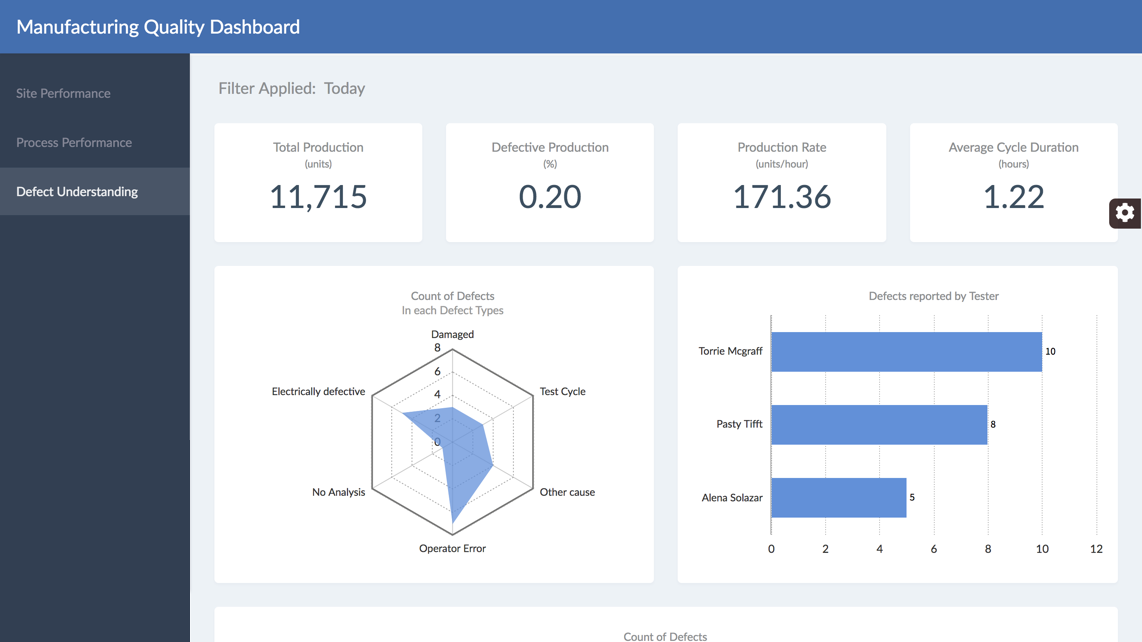
Monitor your entire manufacturing performance and quality in a single screen. This dashboard can help you drive decisions to optimize different processes from a single place.
This sample dashboard is built using FusionCharts Suite XT, which needs a license for commercial use.
Key features
- Track manufacturing KPIs for effective production
- Know the production performance of different manufacturing sites
- Monitor the performance of different processes to optimize production
- Get a detailed understanding of defective production
FusionCharts products used
Technologies used
How to get started with this dashboard
Environment Setup
- Make sure you have Node JS >= 8.10 and npm >= 5.6 and Angular is installed on your machine
Project Files Setup
- Create a folder and extract the zip
- Navigate to the extracted folder in terminal
- Install the dependencies by running the following command
npm installornpm i - Go to
clientfolder and runnpm installornpm i - Install MongoDB Server
- Import the data to MongoDB by running the following command:
cd data && node insert-into-db.js - Open config.json in
clientfolder, changeCURR_MODEtodev - To start server, run the following
npm run start - To start client, run the following, in
clientfoldernpm run start
Similar Dashboards
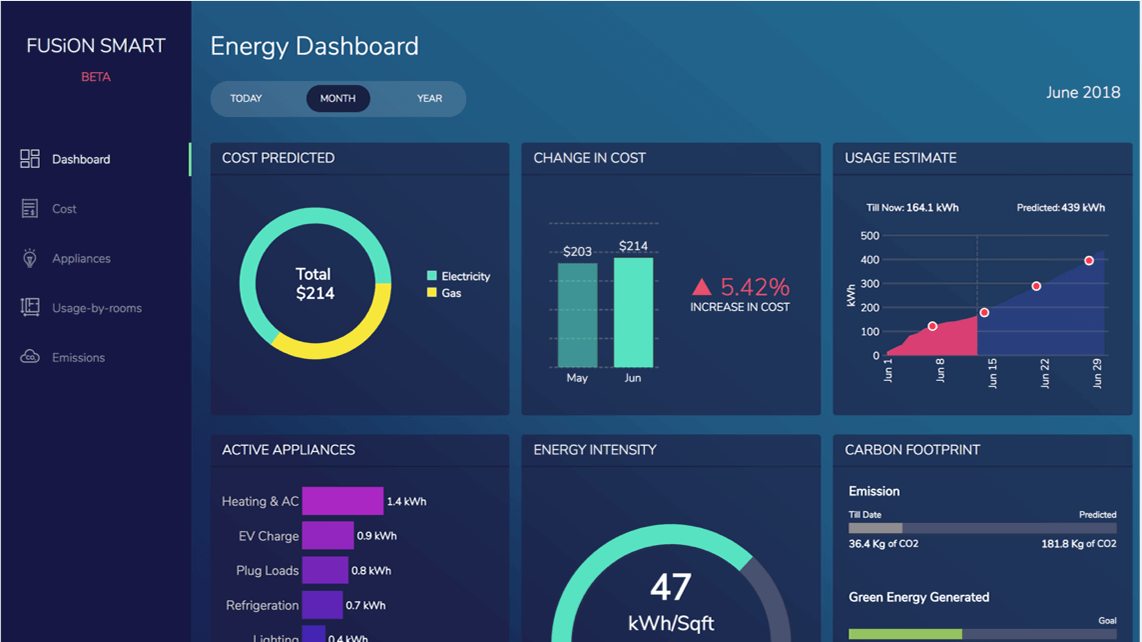
Smart Energy Monitoring Dashboard
Optimize energy usage, reduce your carbon footprint, and cut down the bills with our Smart Energy Dashboard.
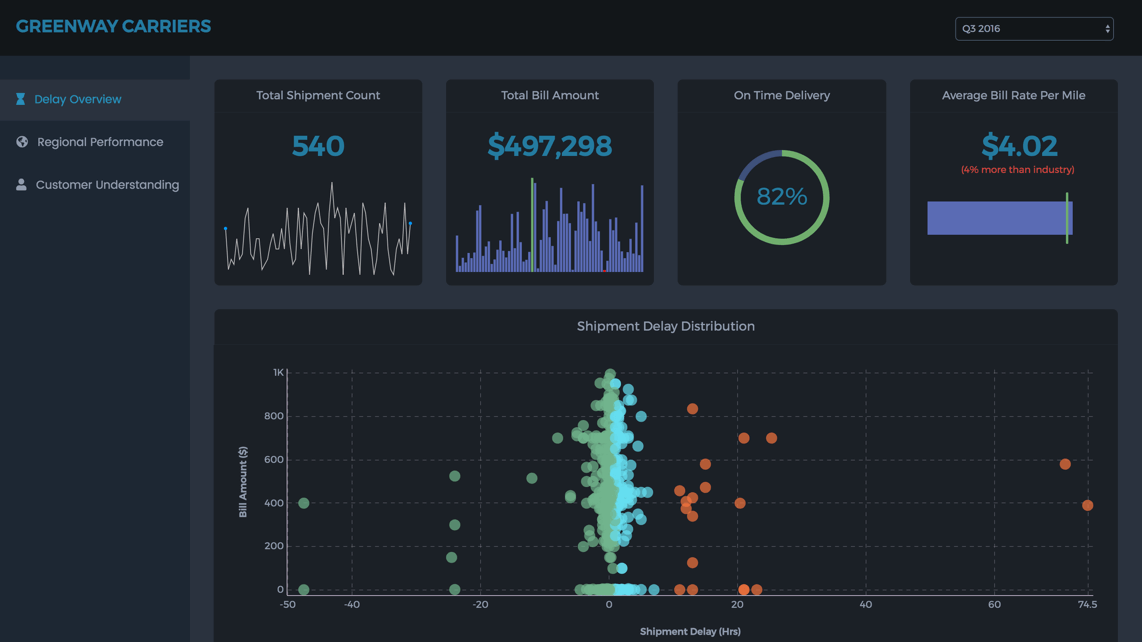
Shipment Analysis Dashboard
Make better decisions by getting a 360° view of your shipment performance. This dashboard can help you monitor, analyze and understand the m...
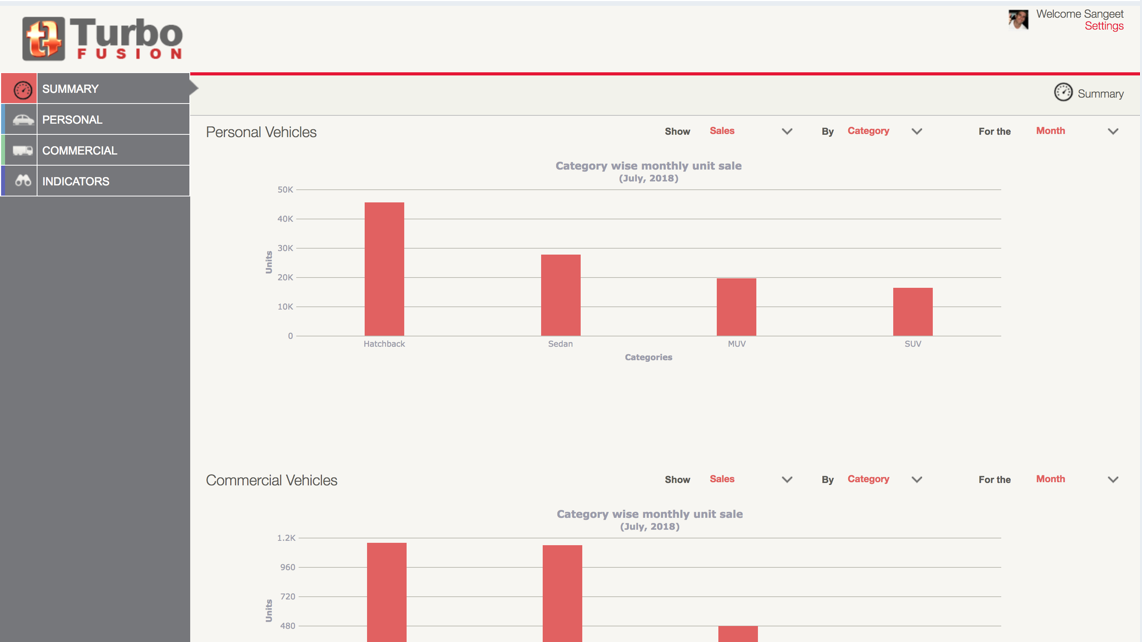
Automotive Manufacturing Management Dashboard
Extract actionable insights from research data on market conditions and consumer behavior to improve profit margins and streamline business ...