Create Simple Bar Chart in JavaScript Part of FusionCharts XT
Related charts and Widgets
When it comes to data visualization, FusionCharts has 50+ charts and 40+ widgets available for easy navigation. You can pick from any related charts and widgets to effectively present the data. Let's check out all the options and find what fits your needs best.
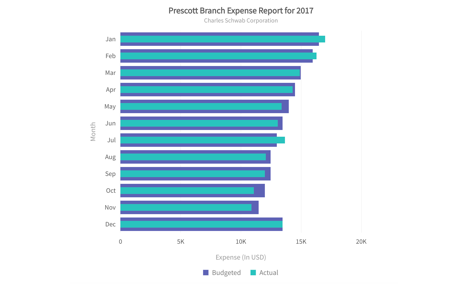
Overlapping Bars
Compare two data sets on each bar of the chart
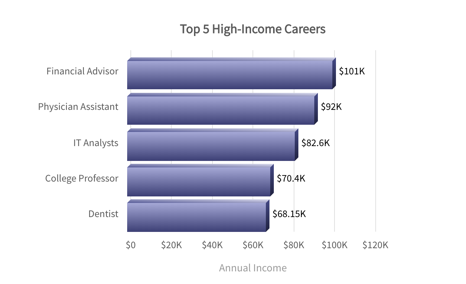
Bar in 3D
Visualize catagorical data in 3D for comparisons and analysis
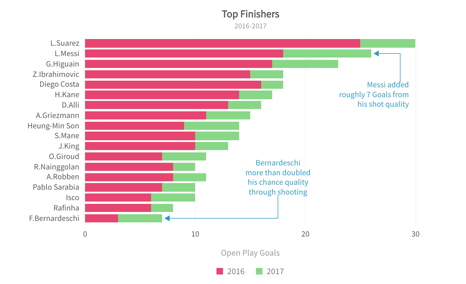
Bar chart with custom labels as annotations
Add customized information as annotations on the chart
Build 100+ charts and 2000+ maps
Go beyond column charts and pie charts with our 100+ charts made for any kind of data. From area to donut and marimekko to radar, we’ve got all your charting needs covered. Don’t just stop at charts, with 2000+ maps, gauges and more, your dashboards and reports will become more meaningful and insightful.
Chart Gallery
Explore 100+ charts for your React application
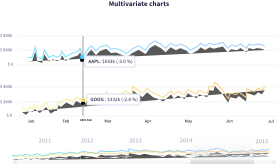
Time Series Gallery
Explore how to plot millions of data on a time-series chart in React
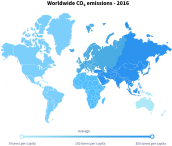
Maps Gallery
Render 2000+ Maps for your React project
Explore dashboard with bar chart
We have built over 20+ dashboards for various industries and use-cases. The best part of these dashboards? They are open source and completely free to use! Just download them and explore how you can use React Charts for FusionCharts in the real-world.
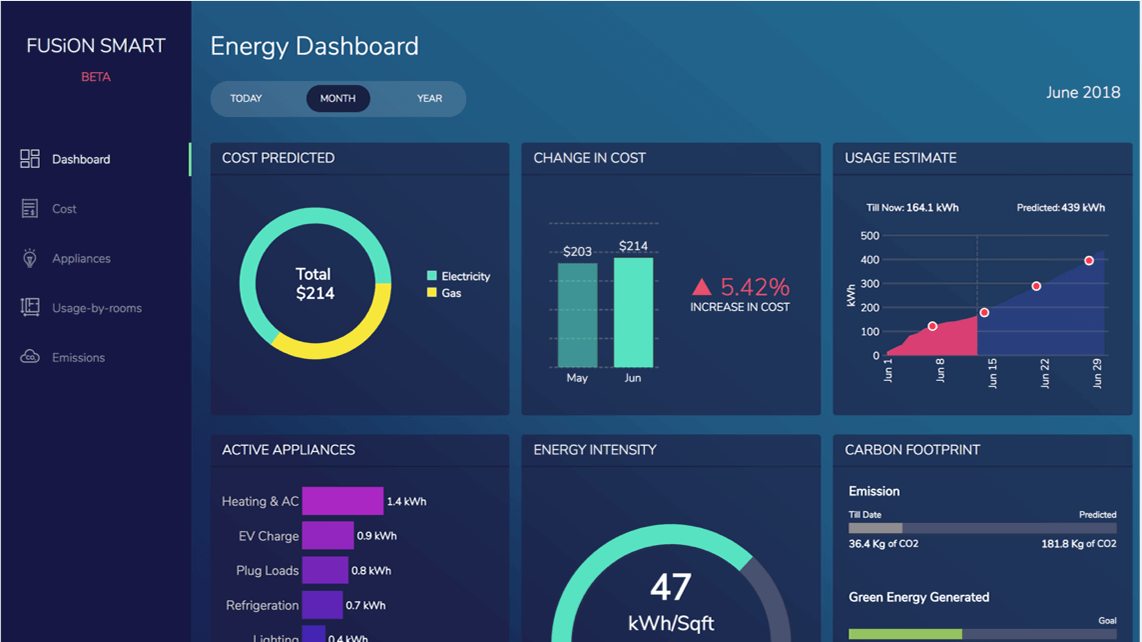
Smart Energy Monitoring Dashboard
Optimize energy usage, reduce your carbon footprint, and cut down the bills with our Smart Energy Dashboard.
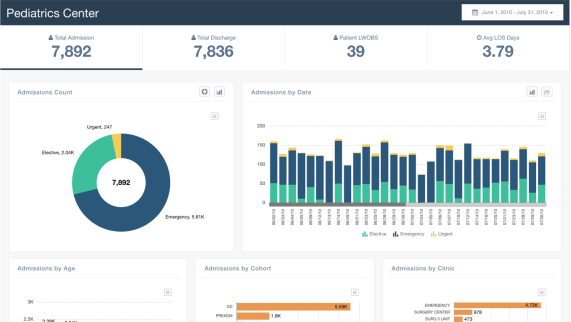
Pediatrics Center Dashboard
See the performance of your pediatrics center in one view. Along with monitoring the key indicators - Admissions, Discharges, Patient LWOBS (Left Without Being Seen), LOS (Length of Stay).
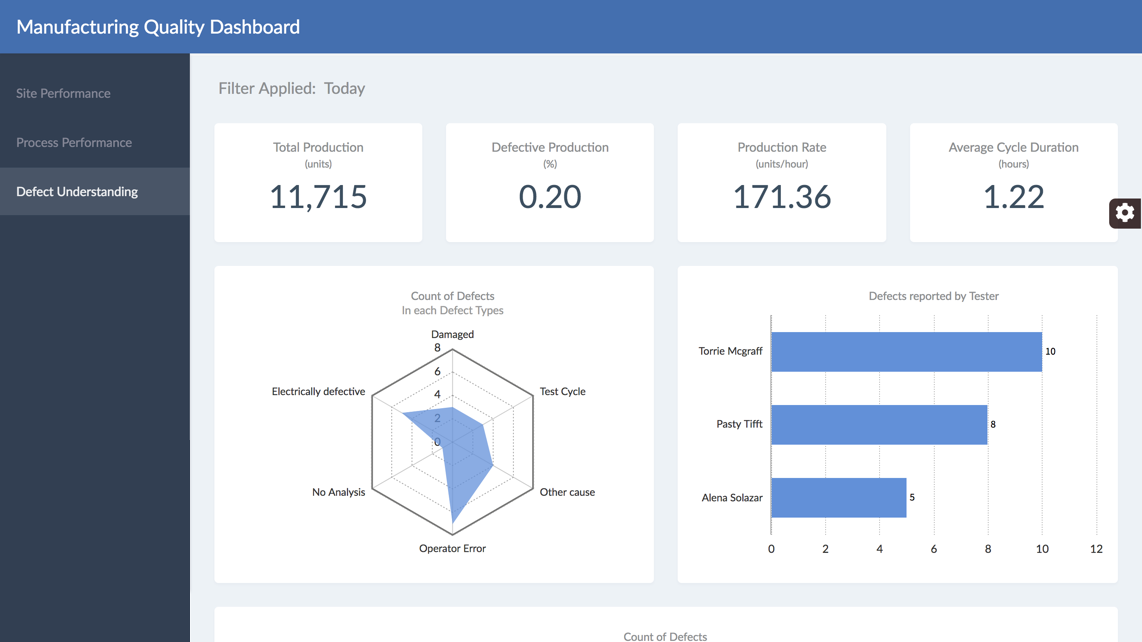
Manufacturing Quality Dashboard
Monitor your entire manufacturing performance and quality in a single screen. This dashboard can help you drive decisions to optimize different processes from a single place.
